
Here are the Appointt changes from 24 September 2026. All updates are also available in the app under App / Account settings > What’s new.
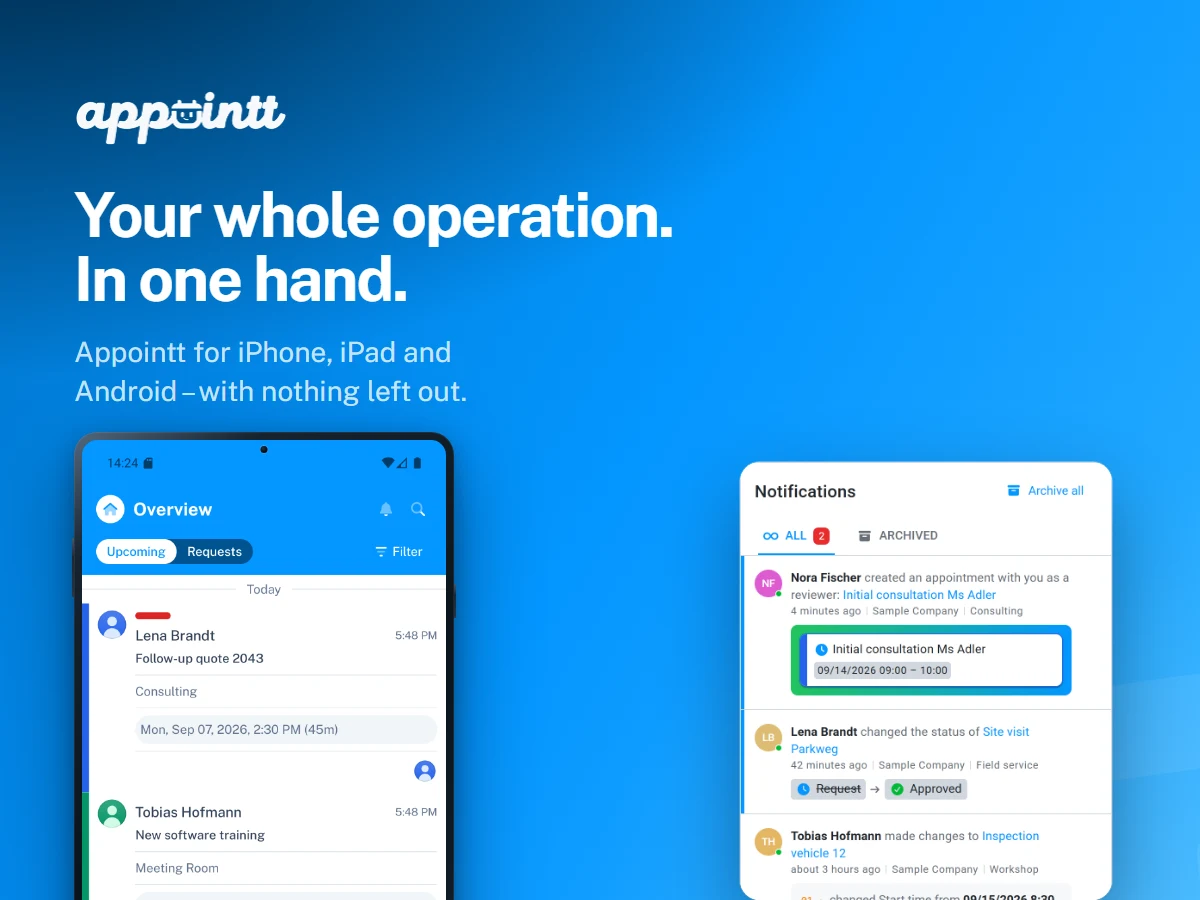
Welcome to the September update! 🍁 After a somewhat longer break, there is a lot to report this time: Appointt is now available as an app for iPhone, iPad and Android, and new notifications keep you up to date on every change to your appointments – in the browser as well as on your phone.
There was a good reason why things were quieter here over the past months: instead of many small updates, we deliberately focused on two big projects. The first one is now finished, and the second will follow later this year.
New features and enhancements
Appointt as an app for iPhone, iPad and Android 📱✨
Appointments often come up on the move – in a customer conversation, in the car or on site. That is exactly why Appointt is now also available as an app. It is not a stripped-down companion that only displays appointments, but offers almost everything that is possible in the browser: creating, editing, commenting on, approving and blocking appointments – with the same calendars, fields and permissions. Only a few settings, which are usually configured once, remain exclusive to the web application.
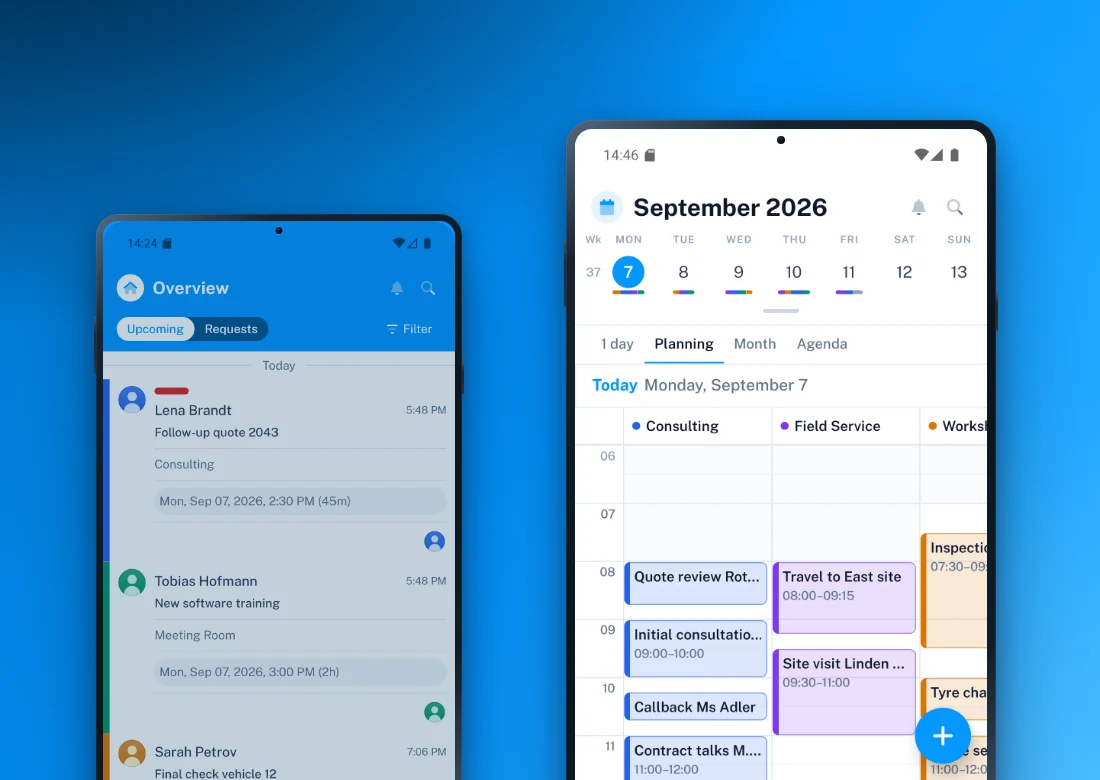
- The complete calendar: Day, multiple days, working week, planning, month and agenda are available as views. The planning view shows all calendars side by side, so an entire operation can be scheduled at a glance. Opening hours, public holidays and blocked periods are highlighted in colour.
- Creating and editing appointments: A single tap on a free slot is enough to create an appointment – including all-day and multi-day appointments. Custom fields, labels, attendees, comments and the change history are fully included.
- Attachments and photos: Files and photos can be added and opened directly in the app.
- Blocked periods: Blocked periods can be created for several calendars in a single step.
- Reservations and approvals: Free time slots are grouped into morning, afternoon and evening. If nothing is left on a given day, the app suggests the next available day straight away. Requests can be approved or rejected directly from the dashboard.
- No double bookings: While a time slot is being edited, it shows as taken for everyone else – across devices and in real time.
- Search: The search covers subject, description, labels and custom fields.
- Optimised for tablets: On iPad in landscape, the sidebar stays permanently visible next to the calendar.
- Light and dark mode: The app can follow your system setting.
- Multiple workspaces: You can switch between workspaces without signing in again.
The app is available now on the App Store and on Google Play. Your existing Appointt account is all you need to sign in; if you do not have one yet, you can register directly in the app.
Notifications in the browser and as push messages 🔔📬
Until now, Appointt only informed you about changes by email. From now on, there are also notifications directly in Appointt and as push messages on your phone. Each notification shows right away what has happened, instead of merely pointing out that something has changed.
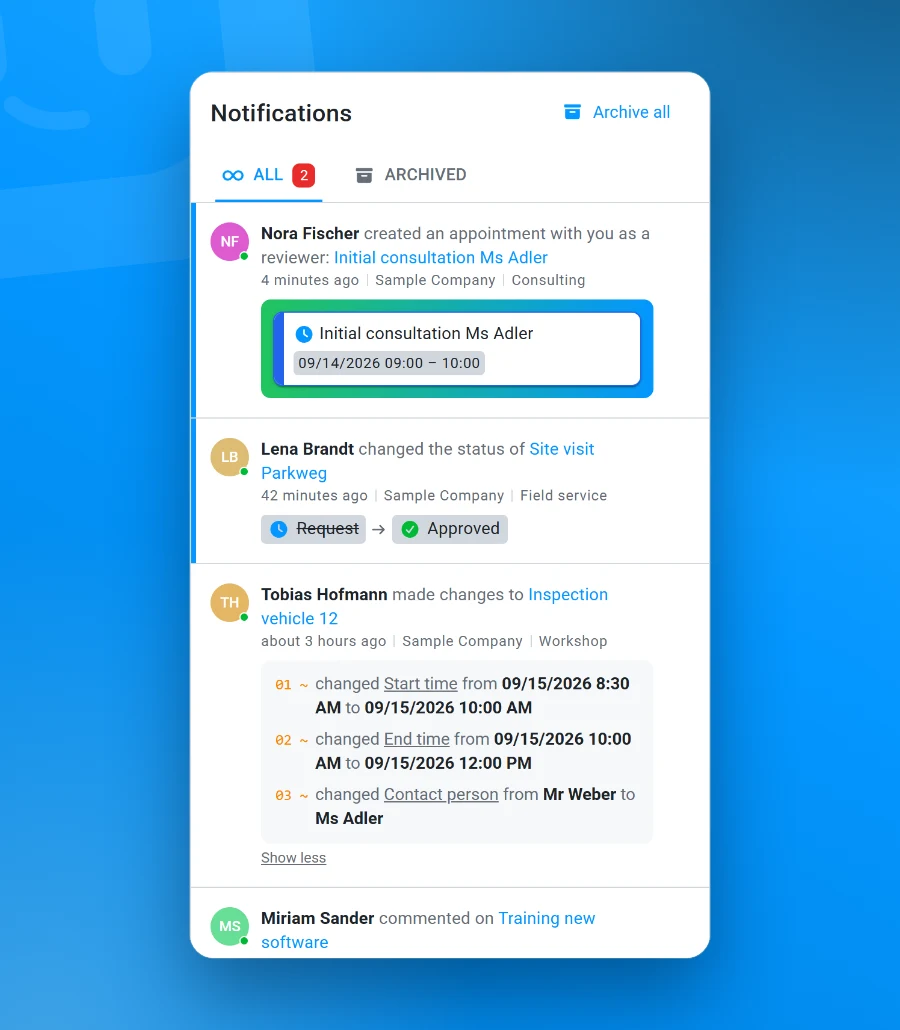
- New requests: The appointment card, time, calendar colour, labels and status are visible immediately, without having to open the appointment.
- Status changes: The previous and the new status are shown side by side, for example “Request → Approved”.
- Changes: The notification lists which fields were changed, along with their old and new values – including custom fields.
- Comments: Comments appear in full, and longer texts can be expanded.
- Straight to the right place: A click takes you exactly to where something happened, such as the comment in the history or the review section of the appointment. On your phone, tapping the push message opens the appointment in question.
Email notifications remain available and can be switched off in the settings if needed.
Looking ahead 🚀
Alongside the app, a second team is working on another big project: we are rebuilding templates, forms, booking journeys and rules from the ground up – everything that lets you adapt Appointt to your own workflows. The goal is that anything that needs a script today can be done without one in future. The release is planned for later this year, and we will share more in one of the next updates. 👀
With the app completed, we also have more capacity again. You can therefore expect smaller improvements at more regular intervals – especially for the requests that reach us through support.
That was the September update. The app is available for download now, and the new notifications are ready to try – feedback is always welcome. Thank you for your support and your patience! 🌟
